We see more and more “contactless” cards on shop counters, in wallets or stuck next to a till. Here is what they really do, what they don’t do, and how a shop or a self-employed professional can use them.
NFC: what is it?
NFC stands for “Near Field Communication”. It belongs to the same family of technology as contactless payment: an exchange of information between two objects placed a few centimetres apart.
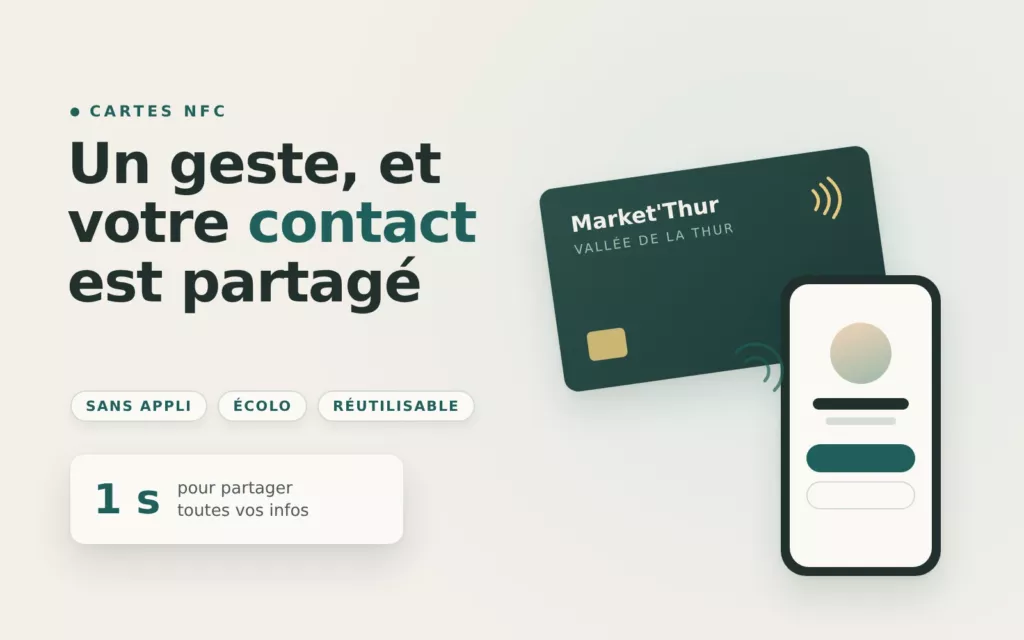
An NFC card contains a small chip and an antenna, but no battery. When you bring a smartphone close, the phone powers the chip long enough to read its content, usually a web address. The phone then offers to open the page. There is no app to install.
Which phones can read it?
Most recent smartphones can read an NFC card. On an iPhone, you read it by holding the top of the phone near the card. On Android, NFC must be switched on in the settings, which it often is by default.
Some older or entry-level phones do not have an NFC chip. That is why we almost always add a QR code to the card: everyone can open the same page, with or without NFC.
What is it for?
- Business card: a page with your contact details, your website and your social media, and a button to save you to contacts.
- Client reviews: the card opens the page where your clients can leave a review directly, while they are with you.
- Menu or price list: a page you can update whenever you like, without reprinting.
- Bookings or appointments: the card leads to your online diary.
- Wi-Fi, social media, directions: any information your customers often ask you for.
What the card does not do
The card does not read anything on the phone and does not install anything. It only passes on an address, and the person chooses whether or not to open the page. Nor does it replace a warm welcome: it is a shortcut, not a selling point in itself.
A few practical tips
- Place the card where customers already have their phone in hand: at the till, on the table, at reception.
- Add a short sentence next to it, for example “Hold your phone here”: many people are not yet familiar with the gesture.
- Avoid sticking an NFC card directly onto metal, which interferes with reading.
- Point the card to an address you can change: if your page changes, the card still works.
- Test the card with several phones before putting it in place.
Going further
An NFC card is useful if the page it opens is clear, fast and up to date. That is often where the real work lies. To see the models available, browse our NFC cards, or tell us what you need.
An article by Market'Thur, a communication & marketing agency in the Thur valley.